Tools High-Performing Product Managers Use in 2026
Lean toolsets and AI workflows top PMs use in 2026 to automate routine work, connect systems, and focus on key decisions.


If I had to sum up the 2026 PM stack in one line, it would be this: use fewer tools, give each one one job, and let AI handle the busywork.
I’m seeing the same pattern across the article:
- AI use is now common: 74% of senior PMs use AI every week
- PM stacks are getting smaller: median teams use 4.2 tools, down from 5.8
- The best stacks are built by workflow: docs, analytics, research, roadmap, and delivery
- General AI tools help with drafts and synthesis
- Dedicated tools matter when you need live data, shared context, or direct links to the rest of the stack
If you want the short version, these are the tools the article puts at the center of PM work in 2026:
- ChatGPT and Claude for drafting, synthesis, and thinking through decisions
- Notion AI for docs and workspace search
- Productboard and Jira Product Discovery for discovery, prioritization, and roadmap work
- Amplitude, Mixpanel, Pendo, and Optimizely for behavior data and testing
- Dovetail, Sprig, and UserTesting for research and user feedback
- Linear, Figma, and Postman for execution, design handoff, and API checks
What stood out to me most is that the article is not saying PMs need more software. It’s saying the opposite. The best PMs use a lean stack, connect it to their day-to-day work, and keep judgment for the calls that matter.
5 AI Workflows Every Product Manager Needs in 2026 (n8n + ChatGPT) - Save 10+ Hours Weekly
Quick Comparison
Area | Main Tools | Best use |
|---|---|---|
AI help | ChatGPT, Claude | Draft PRDs, summarize input, test ideas |
Docs | Notion AI | Write, search past decisions, keep team context in one place |
Roadmap | Productboard, Jira Product Discovery | Turn feedback into priorities and tie discovery to delivery |
Analytics | Amplitude, Mixpanel, Pendo | Check funnels, retention, feature use, and behavior shifts |
Testing | Optimizely | Run experiments and decide whether to roll out changes |
Research | Dovetail, Sprig, UserTesting | Find themes in feedback and learn why users act the way they do |
Delivery | Linear, Figma, Postman | Track work, review flows, and test API behavior |
So if I were using this article to build a stack, I’d take one simple rule from it: pick one strong tool for each workflow, skip overlap, and make sure the tools connect cleanly.
How High-Performing Product Managers Pick Tools in 2026
Median PM teams now use 4.2 tools, down from 5.8 in 2024 - a 28% drop. That shift says a lot. Teams aren’t piling on more software anymore. They’re cutting back because each tool needs a clear, repeatable job.
The first screen is workflow fit, not feature count. High-performing PMs don’t get swayed by long feature lists. They look for tools that support shared, repeatable work instead of random one-off prompts. A tool needs to line up with a real part of the job - discovery, prioritization, writing, or analytics - and it needs to show up in a recurring ritual, like a weekly metrics review or stakeholder update. If it doesn’t tie to a moment that keeps coming back during the week, it usually turns into shelfware fast. That’s where integration comes in.
PMs choose tools that remove friction at the right points in the workflow. The second screen is integration. A tool that doesn’t connect to Jira, Slack, GitHub, or the analytics pipeline creates another island. And once that happens, the team ends up doing the glue work by hand. High-performing PMs tend to reject tools that force manual bridging between systems. They want a connected loop where customer signals turn into synthesis, then specs, then engineering tickets without constant copy-pasting between tabs. When the stack works as a system, the next call is what the tool should handle and what the PM should still own.
The third screen is automation vs. judgment. The best tools automate mechanical work - clustering feedback, scoring priorities, summarizing notes, and synthesizing research - while leaving strategy to the PM. That split matters because PMs lose more than 50% of their time to unplanned firefighting. If a tool can take routine work off the plate, it buys back time where it counts. But high-performing PMs don’t hand over the hard calls. They use AI to give shape to the work, not to make trade-offs for them.
Avoid the all-in-one trap. It sounds neat on paper, but in practice it often means a lot of mediocre parts in one package. A better approach is to use one strong tool per workflow stage and make sure those pieces connect cleanly. The list below shows which tools fill each of those roles.
1. Product Management Society
Best for: PMs who want repeatable AI workflows for discovery, PRDs, prioritization, and stakeholder updates. It fits best as the layer that turns AI into a repeatable PM operating system.
Product Management Society is a resource hub that helps PMs turn ad hoc prompting into repeatable workflows while keeping PM judgment in place. Instead of treating AI like a one-off shortcut, it pushes teams to use it in a way they can come back to again and again.
The AI PM Minute, a twice-weekly tactical update, helps PMs stay current as AI shifts into more autonomous tools. The main idea is simple: AI handles assembly; the PM owns judgment and the takeaway. Put plainly, use AI for structure, not for judgment.
2. ChatGPT
Best for: PMs who need a fast, flexible assistant for product discovery, PRD drafting, feedback synthesis, and stakeholder communication.
Best PM workflow fit
ChatGPT often works as a fast drafting and synthesis assistant for PMs who want to move faster on drafts, synthesis, and stakeholder communication. PRD drafting is the clearest example. Rough briefs and customer inputs can turn into usable first drafts in minutes.
That same pattern shows up in status updates, release notes, and meeting agendas. ChatGPT handles the first pass, which gives the PM more time to focus on the message, tradeoffs, and decisions. That speed helps most when the input is messy or scattered across different sources.
It also helps turn raw feedback into notes a team can actually use. PMs use it to organize feedback and test early hypotheses. It can synthesize market research, summarize market signals, and help cluster customer requests from Slack or support tickets into clearer problem frames.
AI leverage in daily PM work
Once a draft exists, PMs often use ChatGPT to push back on it. That’s where it starts to pull its weight. ChatGPT is most useful for stress-testing ideas, not replacing judgment. High-performing PMs use challenge prompts to ask the model where a spec or plan is weak and what gaps matter most.
The key is simple: use customer transcripts or behavioral data as the source of truth. If the input is vague, the output usually is too.
Integration with the PM stack
Results get better when ChatGPT has access to the team’s own context. PMs who connect it to company knowledge bases like Notion, Confluence, or Slack get sharper results than those who start from scratch. That extra context helps the model sound less generic and stay closer to how the team already works.
Custom GPTs also give teams a way to bake company-specific PRD templates or prioritization rules into repeatable workflows. In practice, that supports faster execution and smoother stakeholder alignment.
"A general assistant is only as useful as what you give it. PMs who connect it to company knowledge get noticeably better output." - Timm Wilson, Pendo.io
3. Claude

Best for: PMs who need a reasoning partner for long-form documentation, research synthesis, and decision support.
Where ChatGPT helps with speed, Claude stands out when the job calls for depth and careful reasoning across long inputs.
Best PM workflow fit
Claude works best when PM work depends on deep context, not just fast drafting. Its long-context window lets a PM drop in discovery docs, interview transcripts, and competitor analysis all at once, then turn that material into a structured PRD draft.
That depth helps a lot with research synthesis. Claude synthesized 8 interviews and 73 G2 reviews in 18 minutes, showing that better defaults mattered more than more options.
It’s also handy for stakeholder communication when the source material is long and messy. PMs use it to pull a clear executive summary from scattered inputs - discovery notes, support data, and competitive signals - while keeping the nuance intact.
AI leverage in daily PM work
Claude cuts time on first drafts for complex documents. A fintech PM used Claude to turn a structured prompt into a 70% complete PRD in 4 minutes, then used the rest of the time to refine validation and success metrics.
A common split is simple: let Claude draft standard sections like user stories and acceptance criteria, then keep the human work focused on problem validation and success metrics, where judgment matters most.
Decision-making impact
Claude can also help PMs test their own thinking before they share it. PMs use it to pressure-test specs before sending them out and to make RICE or ICE inputs explicit instead of handing out arbitrary scores.
Integration with the PM stack
Claude gets more useful when it can pull live context from the tools the team already uses. Model Context Protocol (MCP) lets it connect to Jira, Slack, and GitHub for live product context.
Teams can also use Agent Skills - reusable instruction folders in SKILL.md format - to encode their own frameworks for competitive analysis, PRD structure, and prioritization, so the process stays consistent.
4. Notion AI
Best for: PMs who want AI help built right into their docs workspace, without bouncing between tabs.
If ChatGPT and Claude help PMs think through ideas and draft faster, Notion AI keeps that work inside the team’s living source of truth.
Best PM workflow fit
Notion AI works best in the documentation and decision-making parts of the PM stack. It’s handy for drafting PRDs, decision docs, and team knowledge.
It also helps PMs avoid the blank-page problem. You can draft in place from bullet points, or summarize long docs and meeting notes, while keeping everything in the same workspace the team already uses.
AI leverage in daily PM work
One standout 2026 feature is built-in search and answers. A PM can pull up the team’s past pricing decision from stored pages without digging through old docs or Slack threads. Top PMs use it to pull historical context, turn stakeholder feedback into action items, and keep decisions tied to the team’s source of truth.
Once that context is in front of you, the next move is simple: turn it into a draft or a task list. Paste in transcripts or research notes, then use Notion AI to pull out action items, edge cases, and a draft you can actually use. That draft stays connected to the team’s source of truth.
Integration with the PM stack
Notion AI 2.0 runs multiple models inside the workspace. Enterprise Search pushes this further by pulling answers from connected Slack channels, GitHub repos, and Google Drive.
It can also auto-fill databases and turn comment threads into action lists, which helps move feedback into execution faster. That makes Notion AI strongest when the goal is to turn scattered context into something the team can use right away.
5. Productboard
Best for: PMs who need a dedicated system for discovery, prioritization, and roadmapping.
Best PM workflow fit
Once PMs have a place to store context, Productboard helps turn that input into a roadmap people can actually use. It takes raw customer signals and turns them into a ranked roadmap. That matters a lot when feature requests are coming in nonstop from Slack, Zendesk, and sales calls.
AI leverage in daily PM work
Productboard's Spark AI agent groups feedback into themes, ranks initiatives by impact and demand, and drafts product briefs from the context already stored in the platform.
PMs using Productboard's AI report cutting weekly feedback triage from 3–4 hours to under one hour - an 80% drop in processing time.
Decision-making impact
Productboard gives teams shared evidence instead of gut-feel prioritization. PMs spend less time scoring ideas and more time working through trade-offs.
"The compounding advantage is depth over time. The more product work that lives in Productboard, the more context Spark has to work with." - Timm Wilson, Pendo.io
Integration with the PM stack
Productboard connects with Jira, Linear, Azure DevOps, Slack, Zendesk, Intercom, Amplitude, and Mixpanel, so feedback, delivery, and behavior data stay linked.
From here, PMs can move from prioritization into delivery and validation.
6. Jira Product Discovery
Best for: PMs already working in the Atlassian ecosystem who need discovery and delivery to stay aligned.
Best PM workflow fit
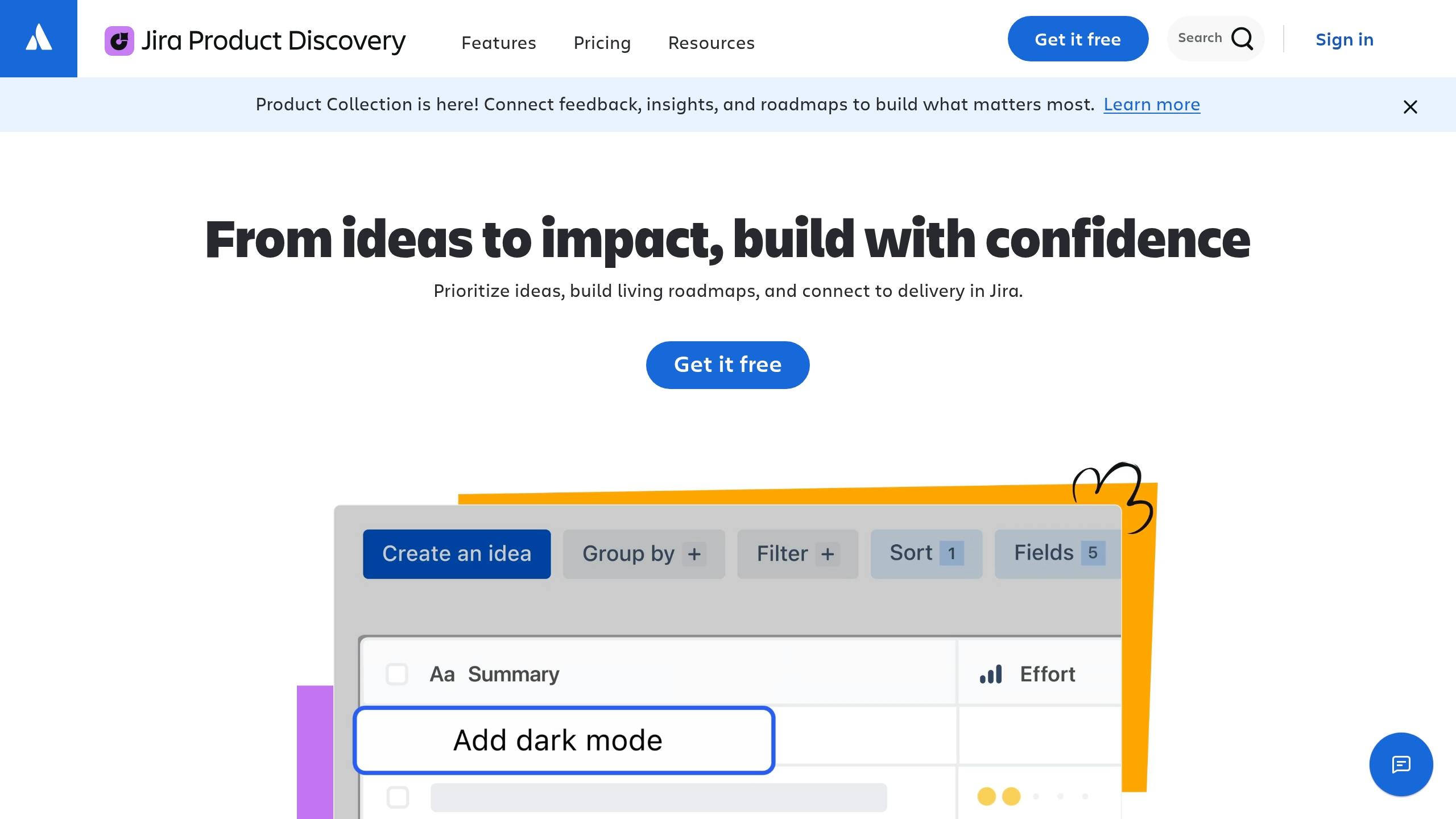
Jira Product Discovery is built to move validated ideas from discovery into Jira without losing context. PMs can collect ideas, attach customer proof, and pass work into the engineering backlog while keeping the full story intact. That means discovery stays tied to delivery instead of getting lost in handoffs.
AI leverage in daily PM work
Atlassian's Rovo AI can summarize context, turn discovery notes into tickets, and draft epic summaries inside Jira. Jira AI also helps with auto-triage, roadmap drafting, and dependency mapping.
Dennis Yang, a Generative-AI PM at Chime, said it well: "The PRD-to-Jira copy-paste is pure tax." And he's not wrong. When AI takes care of synthesis and documentation, PMs save about 4 hours per task.
Decision-making impact
JPD keeps evidence visible across the team. So when someone asks why a feature is being built, PMs can point straight to linked customer feedback, research, and discovery history in the same workflow.
"Discovery work stays connected to Jira tickets, engineering context, and Confluence documentation - without requiring PMs to manually bridge the gap." - Timm Wilson, Pendo.io
Integration with the PM stack
JPD works best for teams already using Jira and Confluence. In that setup, discovery, delivery, and docs live in one workflow, which cuts down on context switching. For teams outside Atlassian, getting started can add extra overhead.
Once discovery is tied to delivery, the next step is measuring product performance and user behavior after launch.
7. Amplitude
Best for: PMs who need to understand user behavior - funnels, retention, and feature adoption.
Best PM workflow fit
After launch, Amplitude gives PMs one of the fastest ways to see whether the product is doing its job. It’s built for behavioral analytics, so teams use it to track funnels, retention, and feature adoption.
A common PM rhythm is a weekly metrics review. You look at activation by cohort, spot drops early, and check whether new features are gaining traction or stalling out. In that sense, Amplitude becomes the main numbers check after launch.
AI leverage in daily PM work
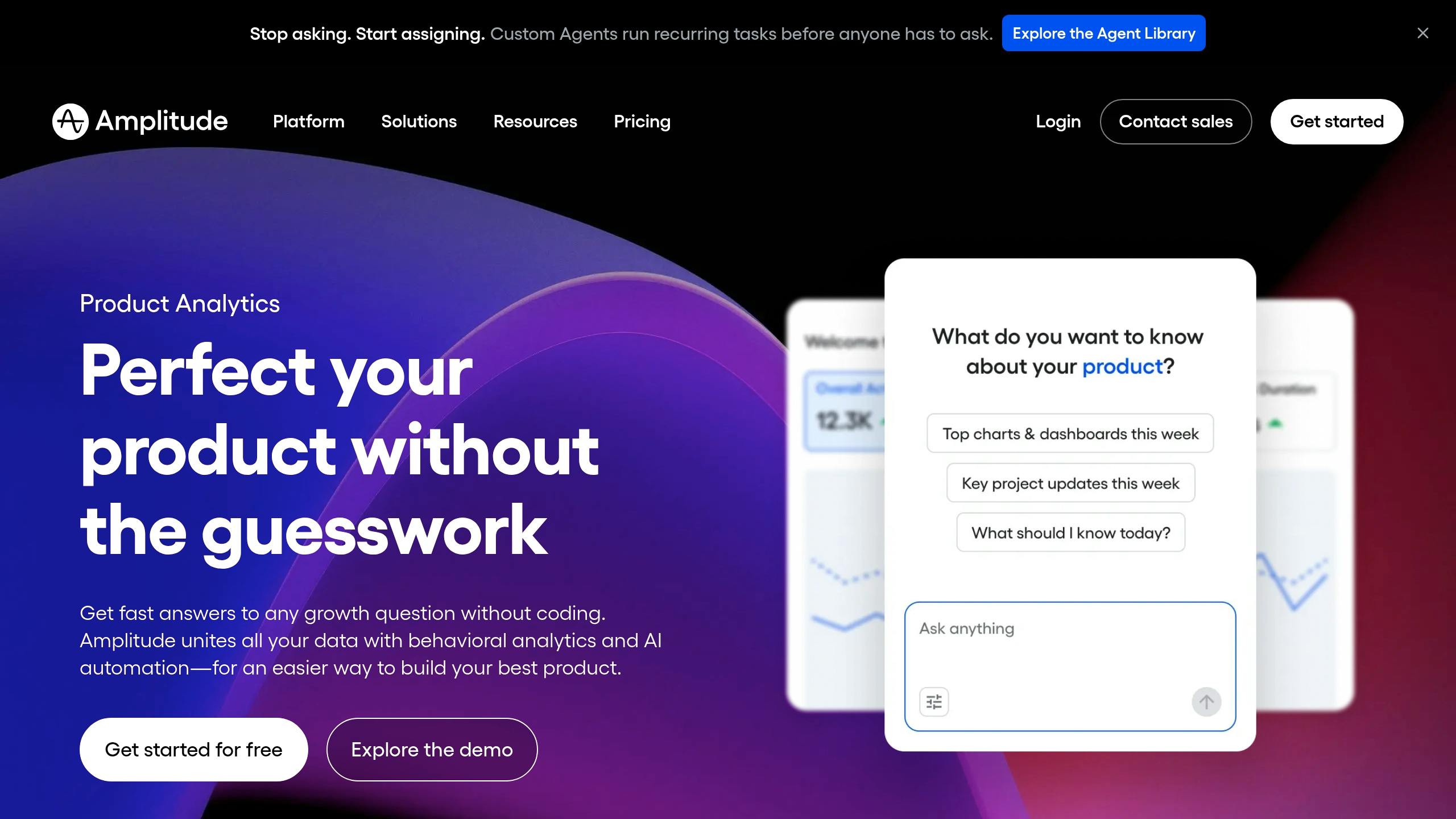
The big 2026 feature is Amplitude AI’s plain-English querying. You ask a question in everyday language, and Amplitude builds the chart for you - no SQL needed.
It also goes further than simple queries. The AI can run root cause analysis on metric changes by finding correlated segments, running segment breakdowns, and generating hypotheses for why a number moved. It can also pull up the replay clips that matter most, which saves PMs from digging through hours of recordings.
If activation drops, for example, a PM can dig into the issue without waiting on an analyst for routine questions. That removes a common slowdown. The platform also flags when an experiment reaches statistical significance and recommends rollout when the data supports it. That helps teams move from testing to shipping with less lag.
Integration with the PM stack
Amplitude works best as the metrics layer in a broader PM stack. It tells you what is happening. Research tools help explain why it’s happening.
For teams using Claude or Cursor, Amplitude can connect through Model Context Protocol (MCP). That lets AI agents pull live behavioral data and send analysis back into tools of record.
There’s one setup issue worth planning for: good insights depend on a clean event taxonomy, and getting that right takes real developer effort upfront. Pricing starts with a free plan for up to 10,000 Monthly Tracked Users (MTUs). Paid plans begin at $61/month, but costs can climb as event volume grows.
From there, teams use research tools to explain the behavior behind the numbers.
8. Mixpanel
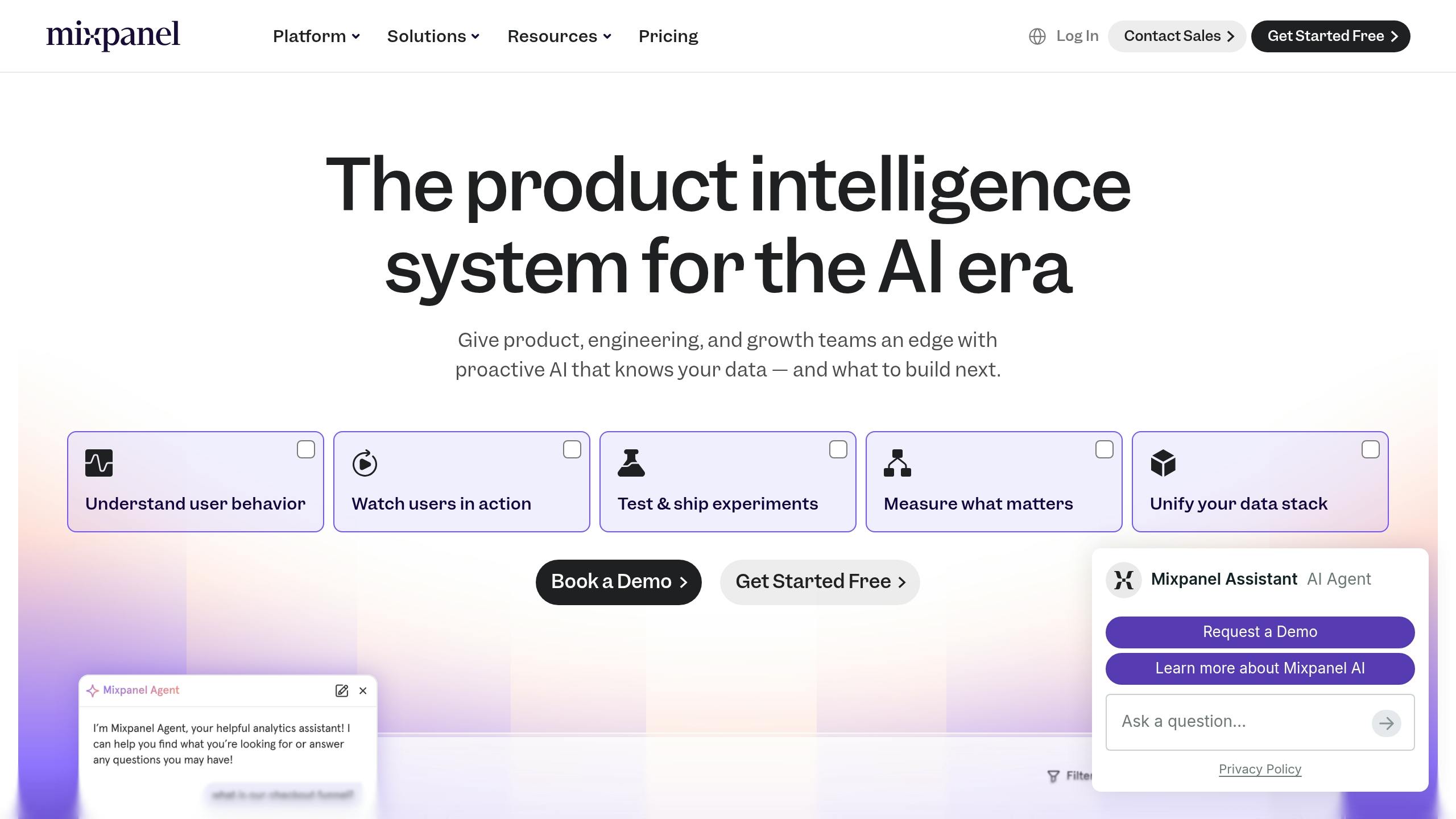
Best for: PMs who want fast, self-serve behavioral analytics without waiting on a data analyst.
Best PM workflow fit
Mixpanel helps PMs answer a simple post-launch question: did the feature change behavior?
Once a feature goes live, PMs use Mixpanel to check activation, funnel drop-off, and retention in real time. That makes it a strong fit right after launch or during weekly metrics reviews. The free tier includes 1 million events per month and unlimited seats. Paid plans grow based on event volume.
AI leverage in daily PM work
The Spark AI copilot lets PMs ask plain-English questions right inside the product - "Why did engagement drop last week?" - and get back a funnel, retention curve, or cohort breakdown on the spot, without SQL. Mixpanel Sage builds on that with anomaly detection, flagging shifts in user behavior before they turn into support tickets.
That changes the day-to-day rhythm. Questions that used to sit in an analyst queue can now get answered in minutes. Analysts still have plenty to do, especially when the work calls for deeper modeling or experiment design, but PMs can get a fast read on product performance without waiting around.
Integration with the PM stack
Mixpanel is best for the what. Then PMs can turn to Dovetail for the why.
A common flow looks like this: Mixpanel surfaces the change, then research tools help explain it. It also connects upstream to roadmapping tools like Productboard. So when a feature ships and a developer closes a ticket, the PM can check right away whether it moved the metric it was supposed to move.
Mixpanel stands out when speed and self-serve access matter most.
For the why behind the numbers, PMs move next to Dovetail.
9. Pendo
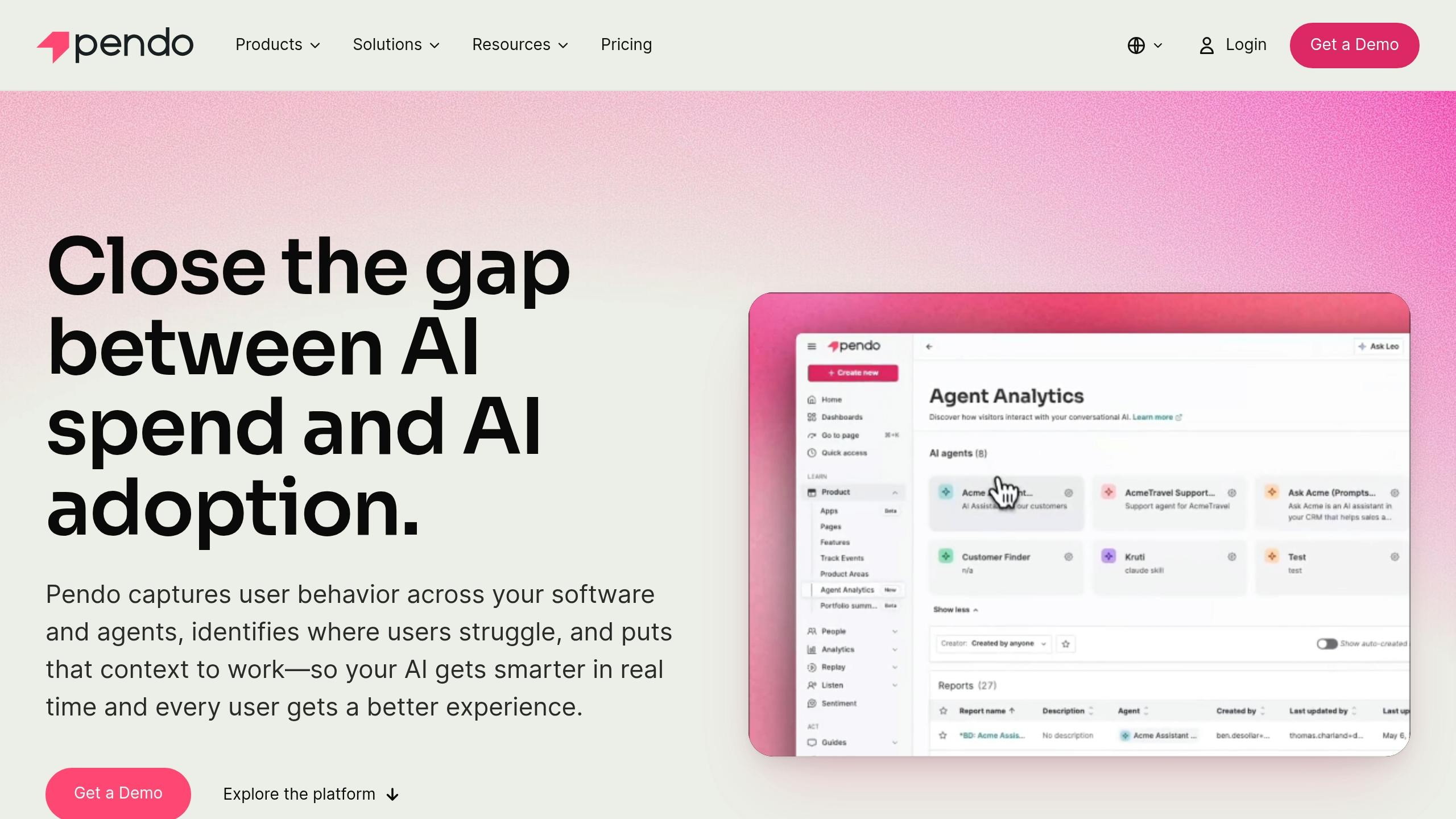
Best for: Technical PMs who need an always-on product intelligence layer that keeps tracking up to date as the product changes.
Best PM workflow fit
Pendo's Novus agent connects to the codebase and adds instrumentation through pull requests automatically. That matters most for teams that ship often, where missing instrumentation can create blind spots in no time. Because of that, Pendo starts to feel less like a reporting tool and more like an active system for tracking, fixing, and making sense of product behavior.
AI leverage in daily PM work
Novus flags UX issues and proposes code fixes for review before they affect users. That can save PMs from finding problems after the damage is already done.
On the feedback side, Pendo Listen groups themes from support tickets, NPS responses, and customer calls, then ties them to live product behavior. So instead of reading feedback in a vacuum, PMs can connect what people say with what they're doing in the product.
Integration with the PM stack
Pendo connects with GitHub for automated instrumentation, Jira to link discovery and delivery, and Slack for real-time alerts. Its MCP server also pushes product context into other AI workflows. And Novus is free as of July 2026.
When PMs need deeper qualitative synthesis beyond live product telemetry, Dovetail handles that layer.
10. Optimizely

Best for: PMs who need to check product ideas and decide whether to roll them out based on what users actually do.
Best PM workflow fit
Once analytics shows where users drop off, Optimizely helps answer the next question: which change moves the number? It works as the test-and-measure layer after discovery.
Discovery tools help explain why people act a certain way. Optimizely shows what happens after you change something, and how many users act differently because of it.
AI leverage in daily PM work
Optimizely uses scenario simulation and impact modeling to help PMs sort rollout paths by expected impact. In day-to-day work, PMs use it to check whether a change improves activation, conversion, or retention.
Decision-making impact
Test results help PMs decide whether to expand a rollout, pause it, or stop it altogether.
Integration with the PM stack
You can connect Optimizely to Amplitude or Mixpanel to spot the right segment first, then test the fix.
If a test changes behavior but doesn’t explain the reason behind it, Dovetail handles the qualitative follow-up.
11. Dovetail
Best for: PMs who need to make sense of large volumes of qualitative research - interviews, support tickets, NPS responses, and survey feedback.
Best PM workflow fit
Once your analytics tools show what changed, Dovetail helps you understand why. It pulls interviews, surveys, support tickets, and call notes into one searchable repository that supports discovery and planning.
AI leverage in daily PM work
Dovetail handles transcription, tagging, and theme clustering, which can cut analysis from days to hours. It also highlights recurring themes and supporting quotes across multiple studies, so PMs don't have to sift through transcripts line by line to spot what keeps showing up.
The catch? Start with the decision question. If you don't, the AI may surface common themes that aren't tied to the roadmap or the choice in front of the team.
Decision-making impact
Dovetail turns research into tagged themes, frequency counts, and clip-ready evidence for roadmap reviews. That changes the conversation. Instead of relying on gut feel or broad impressions, teams can point to customer evidence when setting priorities and making product calls.
Integration with the PM stack
Dovetail connects with Slack, Jira, and Productboard. Tools like Otter or Grain can send raw transcripts into Dovetail for synthesis. From there, those insights can feed Productboard roadmaps, Jira tickets, or PRD work in Notion.
Pricing starts at $29/user/month, and there's a limited free plan if you want to test it first.
When qualitative themes are clear, the next step is capturing lightweight in-product feedback.
12. Sprig
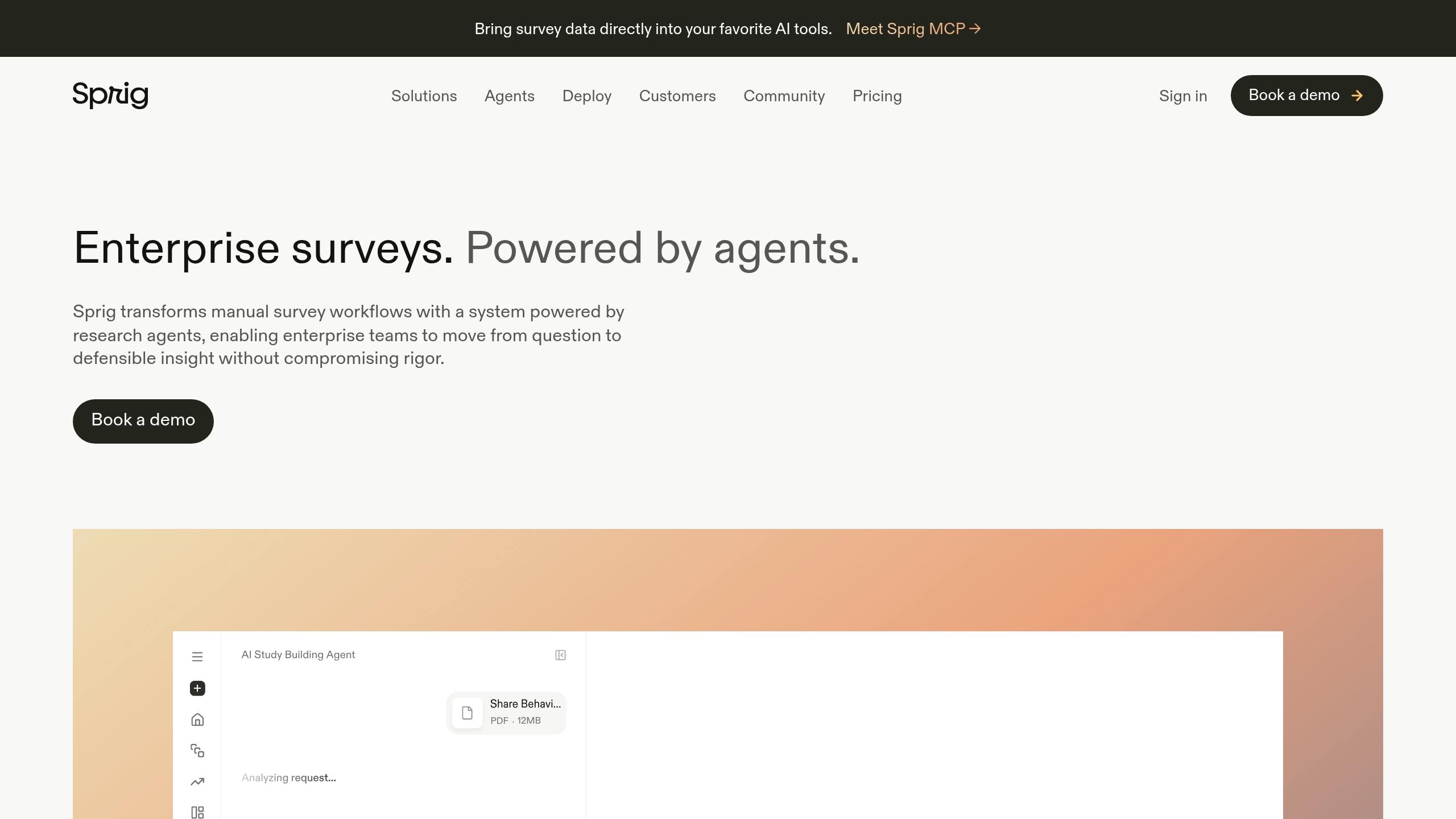
Best for: PMs who need real-time feedback from users while they're inside the product.
Best PM workflow fit
After Dovetail sorts retrospective research, Sprig picks up feedback while users are still in the product. That timing matters. Instead of asking people to remember what happened later, Sprig lets PMs collect input right when a user hits a feature, gets stuck, or reacts to a flow.
PMs can place surveys directly inside the product to gather usability feedback in the moment. That makes Sprig useful across discovery, validation, and post-launch review.
AI leverage in daily PM work
Sprig uses AI to group thousands of responses and surface sentiment and usability issues without manual tagging. For PMs, that means less time sorting comments by hand and more time spotting patterns that matter.
It also helps keep a steady feedback loop in place, instead of turning user input into a one-off research task.
Decision-making impact
Because Sprig ties feedback to a specific screen or step, PMs can connect what users feel with what they were doing. That link makes decisions sharper: what needs a fix, what’s ready to ship, and what should be tested next.
Integration with the PM stack
Sprig sits between product analytics and deeper research synthesis. Analytics tools show what users are doing. Sprig helps explain why they react the way they do in that exact moment.
It also fits neatly into the rest of the PM stack:
- Send real-time in-product feedback to Dovetail for synthesis
- Push insights into Productboard for prioritization
When PMs need deeper, moderated feedback, they move from in-product prompts to live user sessions.
13. UserTesting
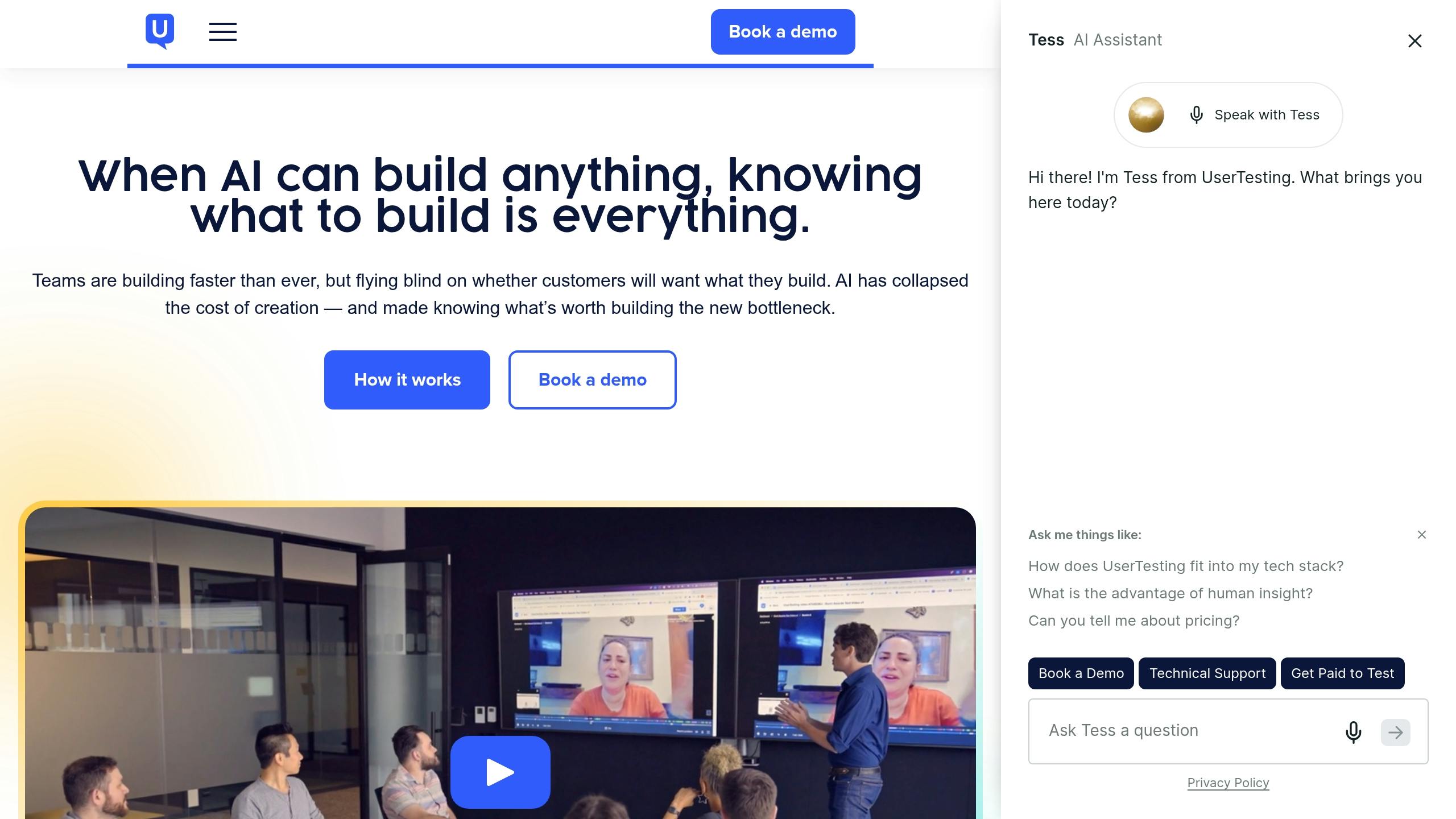
Best for: PMs who need to understand why users act the way they do, not just what they’re doing.
Best PM workflow fit
When an in-product survey points to a problem, UserTesting helps PMs dig deeper with live sessions and task-based observation. If analytics shows where users drop off, UserTesting helps explain why that drop-off happens.
UserTesting is built for moderated research and usability testing. That makes it useful for PMs who want to learn what users think, want, and get stuck on before spending engineering time.
Say analytics flags a drop-off in a key flow. Amplitude or Mixpanel can show what happened. UserTesting fills in the missing piece: why it happened.
AI leverage in daily PM work
Through its EnjoyHQ integration, UserTesting lets PMs search two to three years of past research with semantic search.
AI can also summarize transcripts and group themes, which cuts synthesis work from days to hours.
Decision-making impact
UserTesting gives PMs qualitative proof they can use in roadmap discussions and team alignment. A short video clip of a user struggling with a flow can make the case for change much easier to see.
Integration with the PM stack
Teams can centralize findings in Dovetail for tagging and synthesis. From there, PMs can connect those findings to Productboard and pass the context into Jira or Linear for delivery.
14. Linear
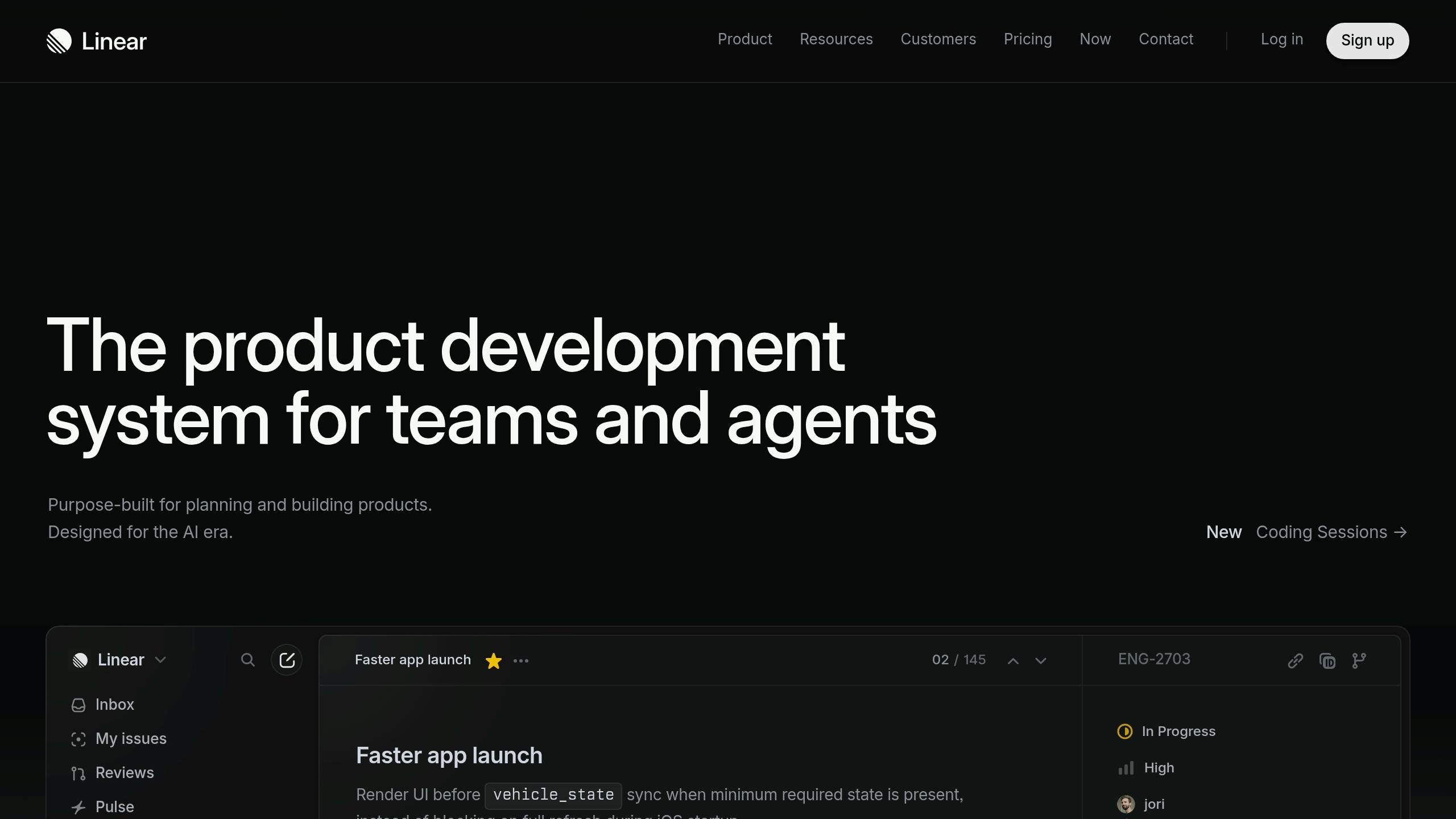
Best for: PMs on engineering-led teams who need fast issue tracking and triage without a lot of project-management drag.
Best PM workflow fit
After discovery and research, Linear helps move work into engineering. It sits in the delivery layer, where PMs send issues to the right place, track decisions, and keep the team moving.
The triage queue gives PMs one intake spot to review, label, and route bugs, requests, and feedback.
AI leverage in daily PM work
Linear uses AI to turn Slack threads into structured issues and draft status updates from recent work. On the Business plan - about $16 per user per month when billed annually - Triage Intelligence can auto-label, route, and deduplicate incoming issues.
"AI helps where work actually lives: drafting issues, summarizing threads, triage, and querying the backlog without clicking for 15 minutes." - Carlos Gonzalez de Villaumbrosia, CEO at Product School
Decision-making impact
Linear’s AI can flag dependency clashes early, like when two teams depend on the same unfinished API. That gives PMs a better read on risk before execution starts to slip.
Integration with the PM stack
Linear links discovery tools with engineering execution and integrates with Figma and Notion. If execution depends on design handoff, Figma helps keep that loop tight.
15. Figma
Best for: PMs on design-led teams who need to move from idea to something visual fast, without waiting on a dedicated designer for every early concept.
Best PM workflow fit
After discovery and prioritization, Figma helps PMs stay close to the design choices that shape execution. It sits between discovery and engineering in the PM workflow. Once discovery points to a problem worth solving, PMs can review flows and comment right inside design files before engineering starts.
By 2026, Figma is a daily workspace for design review and early concept validation. In practice, that makes it the handoff point between discovery insights and execution-ready design.
AI leverage in daily PM work
Figma Make turns prompts into interactive prototypes, which speeds up early validation and stakeholder review.
"For PMs who already live in Figma during discovery, the AI layer meaningfully reduces the time from idea to something visual." - Timm Wilson, Pendo.io
Decision-making impact
Prototypes cut ambiguity and bring objections to the surface earlier. PMs need enough Figma fluency to move through files, review flows, and leave precise comments. That matters because it cuts back-and-forth before engineering starts.
Integration with the PM stack
Dev Mode and variables make the design-to-code handoff tighter. From there, PMs move from visual alignment into technical validation.
16. Postman
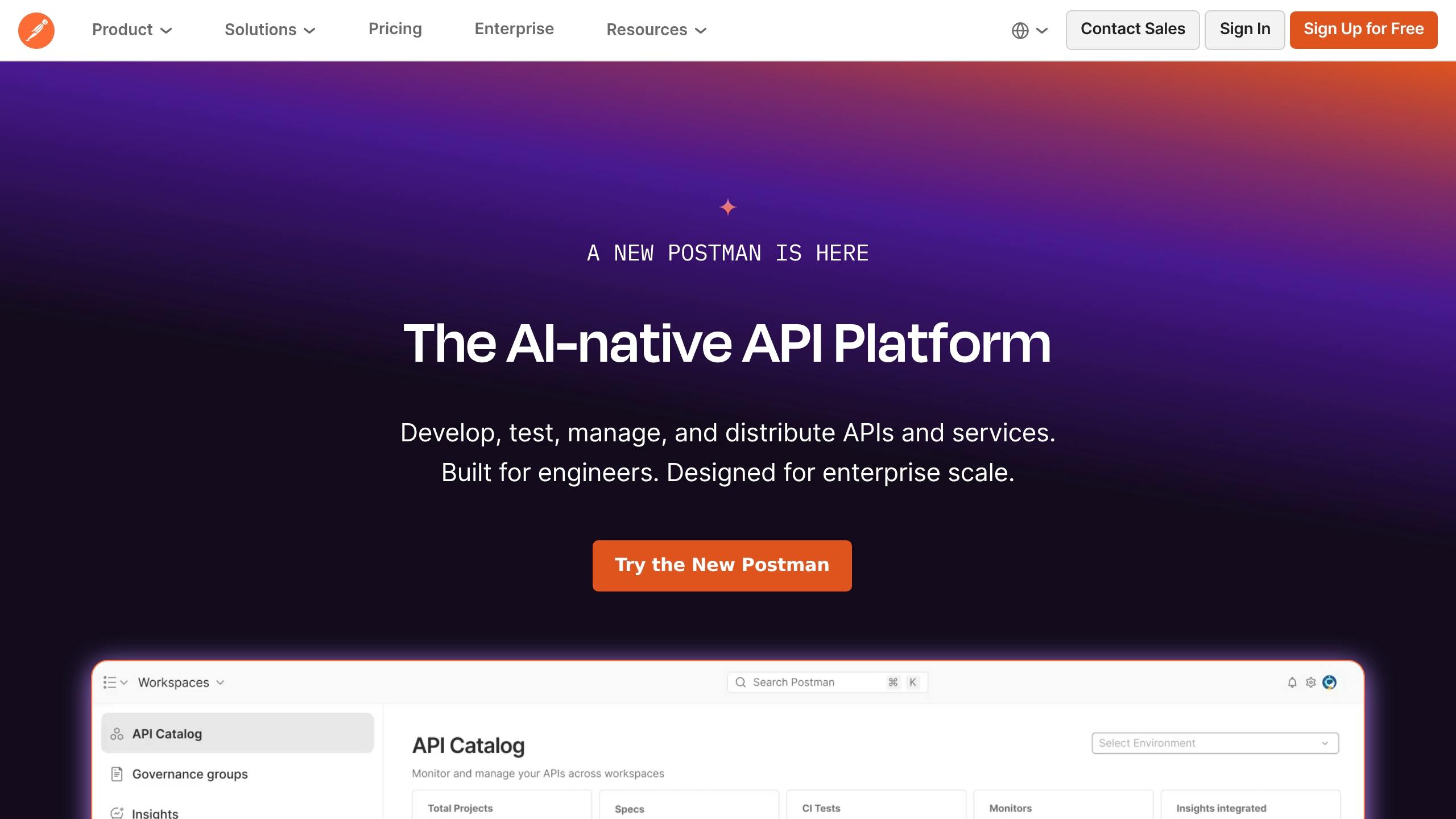
Best for: PMs who work closely with engineering and need to understand API behavior, check technical fit, and cut down on back-and-forth before a feature ships.
Best PM workflow fit
After design and backlog alignment, Postman helps PMs check the edge cases that can throw off a launch. Teams use it to test auth flows, inspect request and response shapes, try edge cases, and spot integration gaps before the build gets locked in. That gives PMs a way to confirm fit during scoping instead of finding problems after engineering has already started.
AI leverage in daily PM work
PMs often use Claude or ChatGPT first to draft sample requests, expected responses, and edge cases before reviewing them in Postman. When used well, AI speeds up the prep work. Postman then shows what the API actually does.
Decision-making impact
Direct testing brings hidden issues into view early, like missing fields, brittle assumptions, and dependency risks, before the team commits.
Integration with the PM stack
Postman findings move faster when PMs drop them into shared specs, tickets, or notes right after testing. The result is tighter scoping and fewer surprises once engineering begins.
Where Each Tool Fits Across Core PM Workflows
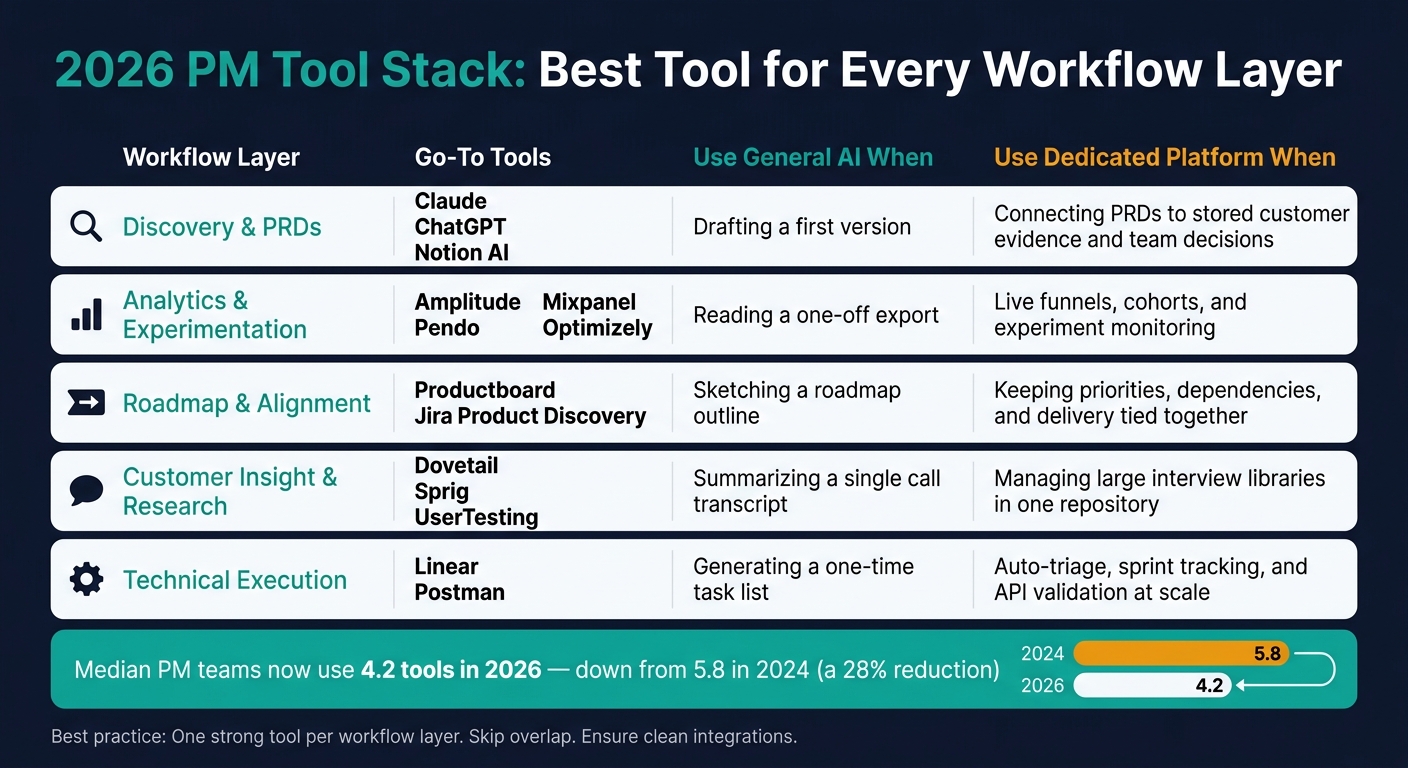
Not every tool fits every workflow. General AI tools are great for first drafts and one-off synthesis. Dedicated platforms start to matter when you need live data, past context, or two-way integrations.
The table below shows where each workflow gets the most help from each tool.
Workflow | Go-to Tools | When general AI is enough | When you need a dedicated platform |
|---|---|---|---|
Discovery & PRDs | Claude, ChatGPT, Notion AI | Drafting a first version | Connecting PRDs to stored customer evidence and team decisions |
Analytics & Experimentation | Amplitude, Mixpanel, Pendo, Optimizely | Reading a one-off export | Live funnels, cohorts, and experiment monitoring |
Roadmap & Alignment | Productboard, Jira Product Discovery | Sketching a roadmap outline | Keeping priorities, dependencies, and delivery tied together |
Customer Insight & Research | Dovetail, Sprig, UserTesting | Summarizing a single call transcript | Managing large interview libraries in one repository |
Technical Execution | Linear, Postman | Generating a one-time task list | Auto-triage, sprint tracking, and API validation at scale |
The main idea is simple: pick tools based on the job, not the logo. A general AI app can help you get unstuck or speed up early thinking. But when the work depends on shared history, connected systems, or live tracking, a purpose-built platform usually does more of the heavy lifting.
The comparison tables below break these tools down by workflow, depth, and fit.
Comparison Tables for the Tools in This List
Use these tables to pick the right PM tool based on how you work day to day, not just a pile of features.
AI Copilots & Doc Assistants
Tool | Best PM Workflow Fit | AI Leverage in Daily Work | Decision Impact | Integration |
|---|---|---|---|---|
ChatGPT | Brainstorming, quick drafts, data analysis | High - custom GPTs, plugins, CSV uploads | Moderate - broad but generic without context | High - broad app integrations |
Claude | Strategic PRDs, long-form analysis | Very High - long-context reasoning and tone control | High - nuanced trade-off reasoning | Moderate - best through custom integrations |
Notion AI | Wikis, meeting notes, documentation | High - in-place drafting and workspace Q&A | Moderate - context-dependent | High - native to the workspace |
Jira Product Discovery | Idea prioritization, delivery alignment | Moderate - Rovo-powered summaries and triage | High - connects discovery directly to Jira tickets | High - native Atlassian workflow |
This table makes one trade-off pretty clear: ChatGPT is better for fast drafting, while Claude is better for deeper, longer analysis.
Notion AI makes the most sense when your source of truth already lives in Notion. If your team keeps docs, notes, and project context there, staying inside that workspace can save a lot of back-and-forth.
Analytics & Experimentation Tools
Once drafting tools are clear, the next choice is measurement.
Tool | Best PM Workflow Fit | AI Leverage in Daily Work | Decision Impact | Integration |
|---|---|---|---|---|
Amplitude | Behavioral cohorting, funnel analysis, experimentation | High - plain-English queries replace SQL | Very High - quantitative validation at scale | High - data warehouses, CDPs |
Mixpanel | Self-serve exploration, real-time engagement | High - Sage AI for anomaly detection | High - fast trend identification | High - CDPs, warehouses |
Pendo | Continuous product intelligence, in-app guides | Very High - Novus agent, auto-instrumentation | High - post-launch monitoring and retention | High - connected to the full product stack |
Optimizely | Enterprise A/B testing, feature flagging | Moderate - automated experiment summaries | High - statistical significance for big decisions | Moderate - marketing and dev teams |
Here, the split is pretty simple. Amplitude is stronger for cohort and experiment analysis. Mixpanel is often faster for self-serve exploration when you want to spot patterns without much setup.
Feedback, Research & Execution Tools
After measurement, the stack shifts to research and delivery.
Tool | Best PM Workflow Fit | AI Leverage in Daily Work | Decision Impact | Integration |
|---|---|---|---|---|
Dovetail | Research synthesis, theme extraction, repositories | High - AI clustering and video analysis | High - surfaces the qualitative "why" | Moderate - best for research workflows |
Sprig | In-product surveys, AI-moderated interviews | High - AI-moderated conversations at scale | High - rapid in-context validation | High - product-native |
UserTesting | Moderated and unmoderated usability tests | Moderate - transcript and video summarization | High - identifies UX friction clearly | Moderate - best for design handoff workflows |
Linear | Issue tracking, sprint management, triage | Very High - auto-triage and cycle summaries | Moderate - improves execution speed | High - GitHub, Slack |
Figma | Prototyping, design collaboration | High - Figma Make, AI-generated UI layouts | High - visual validation before engineering | High - dev handoff tools |
Postman | API testing, technical feasibility checks | Low to Moderate - AI-assisted test scripts | Moderate - confirms technical boundaries | High - engineering stack |
A few patterns stand out fast.
- Linear and Figma do the most to speed up execution work
- Dovetail and Sprig help teams understand user input at scale
- Postman has lighter AI support and still leans more on human judgment
If you're choosing across this group, it helps to think in terms of workflow fit. Dovetail is for making sense of research, Sprig is for in-product feedback, UserTesting is for usability checks, Linear is for shipping work, Figma is for validating ideas visually, and Postman is for checking what’s possible on the API side.
How to Build a Minimum Effective PM Stack for 2026
The goal here isn't to use every tool on this list. It's to choose one strong tool for each workflow layer and use it well. These tools work best when you group them by layer, not when you pile them up one by one.
So the practical question becomes: which tools belong in each part of a lean PM stack?
Think in six layers: AI copilot, documentation, roadmap and prioritization, analytics, research and feedback, and engineering collaboration. One solid pick per layer is enough to support a PM workflow that runs smoothly without turning into tool overload.
Use this mapping to keep each layer tight and intentional.
Layer | Early-Stage Pick | Growth/Enterprise Pick |
|---|---|---|
AI Copilot | Claude or ChatGPT | Claude Teams or ChatGPT Enterprise |
Documentation | Notion AI | Notion AI |
Roadmap & Prioritization | Linear | Productboard or Jira Product Discovery |
Analytics | Mixpanel | Amplitude |
Research & Feedback | Sprig | Dovetail |
Engineering Collab | Linear | Jira |
Your company stage should drive most of these choices. Solo PMs and early-stage teams can keep things lean, while Series B and later teams should put more weight on shared knowledge systems and enterprise LLM tiers.
There’s also a smart order to follow. Start with your discovery and feedback layer before anything else. Discovery tells you why to build. Analytics tells you what happened after launch. That distinction matters more than it may seem. If you build a strong discovery habit first, your prioritization calls tend to get much better later on, no matter which roadmap tool you use.
When each layer has one clear owner and handoffs are clean, the stack stays lean and useful.
Conclusion: The Best PMs Use the Right Tools Better
In 2026, the gap isn’t about how many tools PMs have. It comes down to using the right ones with discipline.
The tools listed above only help when each one has a clear role. AI can speed things up. It can draft, group ideas, sum things up, and automate repeat work. But PMs still own the calls that matter. AI can help put the pieces together; PMs decide what to build, what to cut, and why it matters.
A simple rule works well here: pick one tool per workflow, use it the same way every time, and remove the extras. A lean stack usually beats a pile of overlapping subscriptions.
If you want to keep sharpening that habit, Product Management Society offers practical resources and community support to help PMs stay current on day-to-day workflows.
FAQs
How do I choose the right PM tools without creating overlap?
Map each tool to a clear stage in your product workflow instead of paying for all-in-one platforms that try to do everything. Keep your focus on five jobs-to-be-done: customer discovery, prioritization, roadmapping, analytics, and writing.
Start with one strong tool for each stage, and begin with discovery. It’s better to use 2 to 3 tools well than 15 tools halfway. Review your stack on a regular basis, cut overlap, and keep only the tools that make work easier.
What should be in a minimum effective PM stack in 2026?
A minimum effective PM stack in 2026 should cut friction across five core workflows. The goal isn’t to pile on more tools. It’s to make the work easier.
Those five workflows are:
- research and synthesis
- strategy and documentation
- roadmapping and prioritization
- meeting intelligence
- technical workflow
A strong stack usually means one great tool for each stage, tied together in a clean way. That matters more than having a long list of apps no one fully uses.
Start with your biggest bottleneck. Maybe research notes are scattered. Maybe docs take too long to write and update. Fix that first.
From there, keep the stack tight. Avoid tools that do almost the same job. The best setup handles the busywork for you without turning into one more thing to manage.
When is general AI enough, and when do I need a dedicated tool?
General-purpose AI works well for drafting PRDs, summarizing research, and writing strategy memos when you need a blank page and flexible thinking. It’s a good fit for early-stage work, especially when the task is still a bit messy and you need help shaping it.
The catch: context matters a lot. If you don’t give the model clear company details, the output can drift into generic territory. A few specifics about your product, users, goals, and constraints usually make a big difference.
A dedicated tool makes more sense when you need deep workflow integration. That includes things like technical instrumentation, research at scale, live product analytics, or automated triage inside your project management system. In those cases, the job isn’t just about generating text. It’s about fitting into the systems your team already uses and helping work move without extra manual steps.
If you’re finding this blog valuable, consider sharing it with friends, or subscribing if you aren’t already. Also, consider coming to one of our Meetups and following us on LinkedIn ✨ And check out our official website.
Connect with the founder on LinkedIn. 🚀
About the Product Management Society
The Product Management Society is an international community for product managers, founders, designers, and career-switchers, with 2,400+ members across active chapters in Lisbon, Berlin, Frankfurt, and Mexico City. The community runs more than 50 in-person meetups per year, a Slack network, an invite-only WhatsApp group, a blog, and a growing suite of free tools for product leaders. More information is available at www.productmanagementsociety.com.
About Gabriela Naumnik
Gabriela Naumnik is an AI product leader and the founder of the Product Management Society. A Staff Product Manager working at the intersection of AI and enterprise product, she focuses on AI-powered platforms serving Fortune 500 companies. She is a regular speaker at product conferences, publishes on product management at the Product Management Society's blog, and has built the PM Society into one of the most influential product communities in Europe and Latin America. She holds a B.S. from NYU/NYU Shanghai and an M.S. from Columbia University. More information is available at gabriela-naumnik.com.